Keyboard & search
⌘K command palette
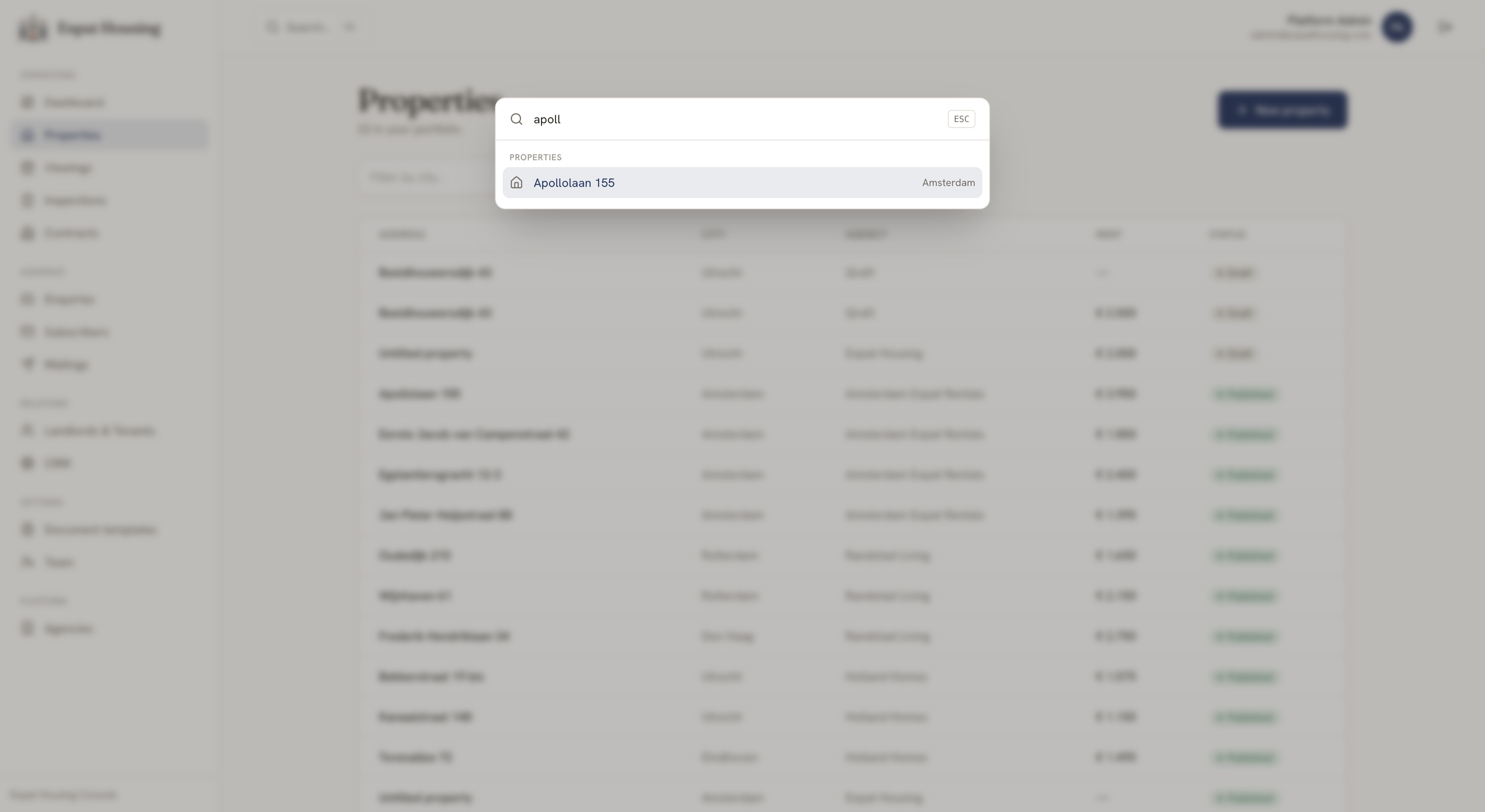
Section titled “⌘K command palette”Press ⌘K (macOS) or Ctrl-K (Windows/Linux) anywhere in the console — or click Search… in the top bar — to open the command palette. From it you can:
- Search properties by address or city and jump straight to one.
- Go to any section (Dashboard, Properties, Contracts, …) — permission-aware, so you only see what you can access.
- Create — e.g. New property.
Use the arrow keys to move, Enter to go, Esc to close.
Cross-links
Section titled “Cross-links”Detail pages link to their related records — a contract links to its property and tenants; an inspection links to its property and contract; a property’s Lifecycle card links to its enquiries, viewings, contracts and inspections. Follow the thread rather than re-searching.