Add a property
Properties are the heart of the console. Everything — listings, viewings, contracts, inspections — hangs off a property.
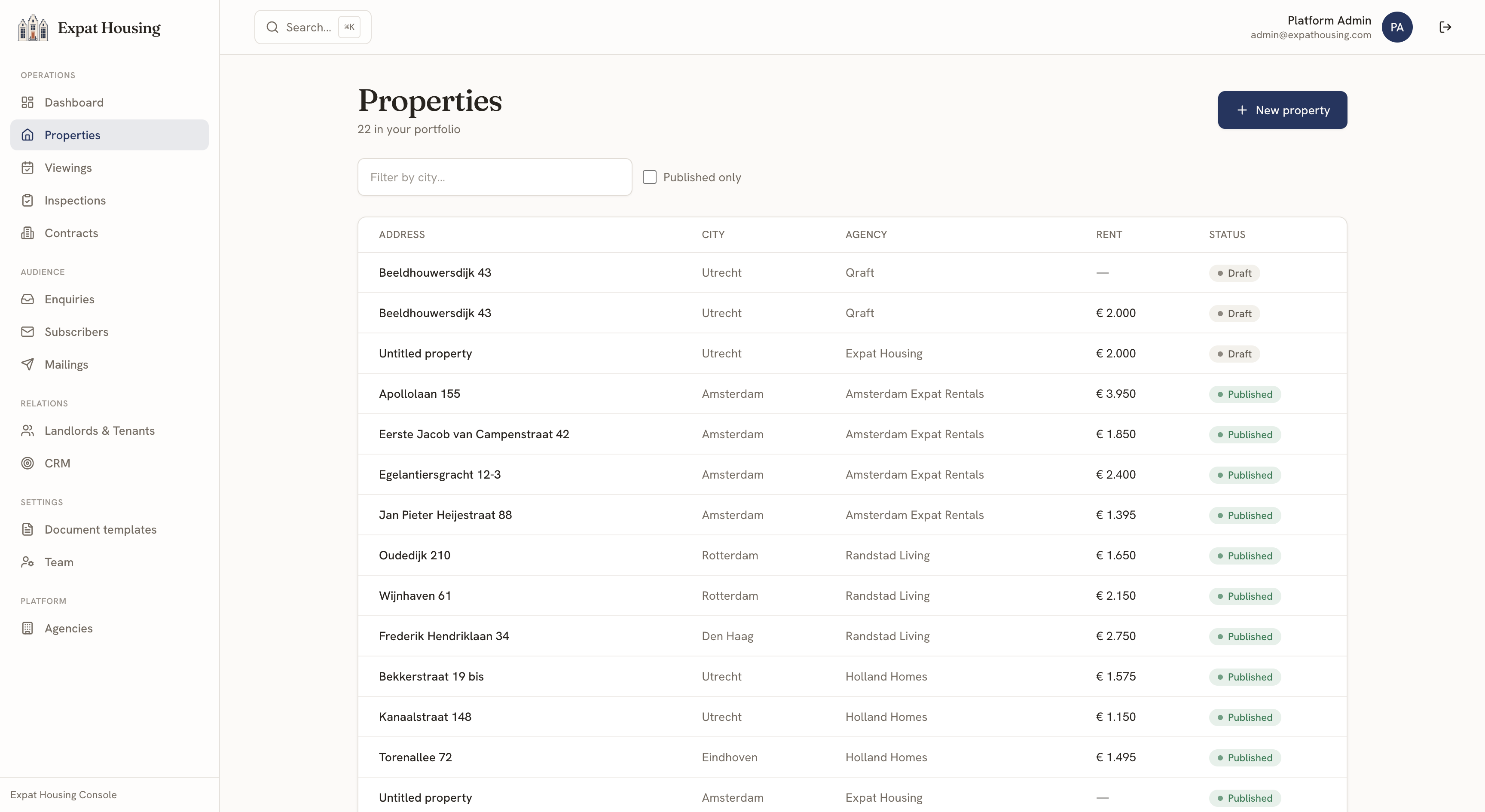
Create one
Section titled “Create one”- Go to Operations → Properties.
- Click New property (or press ⌘K and choose New property).
- The intake form opens. Street and city are required so the record is always identifiable — no more “Untitled property”. Add the rent and type while you’re there if you have them.
- Create property — you land on the property’s detail page to fill in the rest.
Fill in the details
Section titled “Fill in the details”On the detail page, click Edit to open the full form:
- Address — street, number, suffix, postal code, city, area
- Classification — type, status, furnishing, flooring, offered by, rent type
- Commercials — rent, service costs, deposit, surface, roof-terrace / balcony / garden surfaces, WWS points, max persons, min / max rental months, free-sector toggle
- Lifecycle dates — available from, online from, offline from, intake date
See Prepare & publish a listing for photos, descriptions, rooms and amenities, and Management for the in-beheer operational data.